

















Before Metasteps, our data existed. Now it works. Metasteps helped us turn complexity into structure.
3D lessons your students want to take
Use your own material with one click and hold the room’s attention without becoming a 3D designer.
Cover all your educational needs, in 3D
Hold attention past slide three
You know the moment focus leaves the room. You need material students want to follow. You need courses that make an impact.
Try something new without losing a weekend
Every tool promises results but ends up costing you evenings. If Metasteps doesn’t click in 5 minutes, feel free to leave.
Runs on the devices students already have
No lab bookings, no installs, no "it doesn't work on my laptop." Metasteps works in phones & tablets, VR headsets & PCs, even Chromebooks.
Turn students from viewers into builders
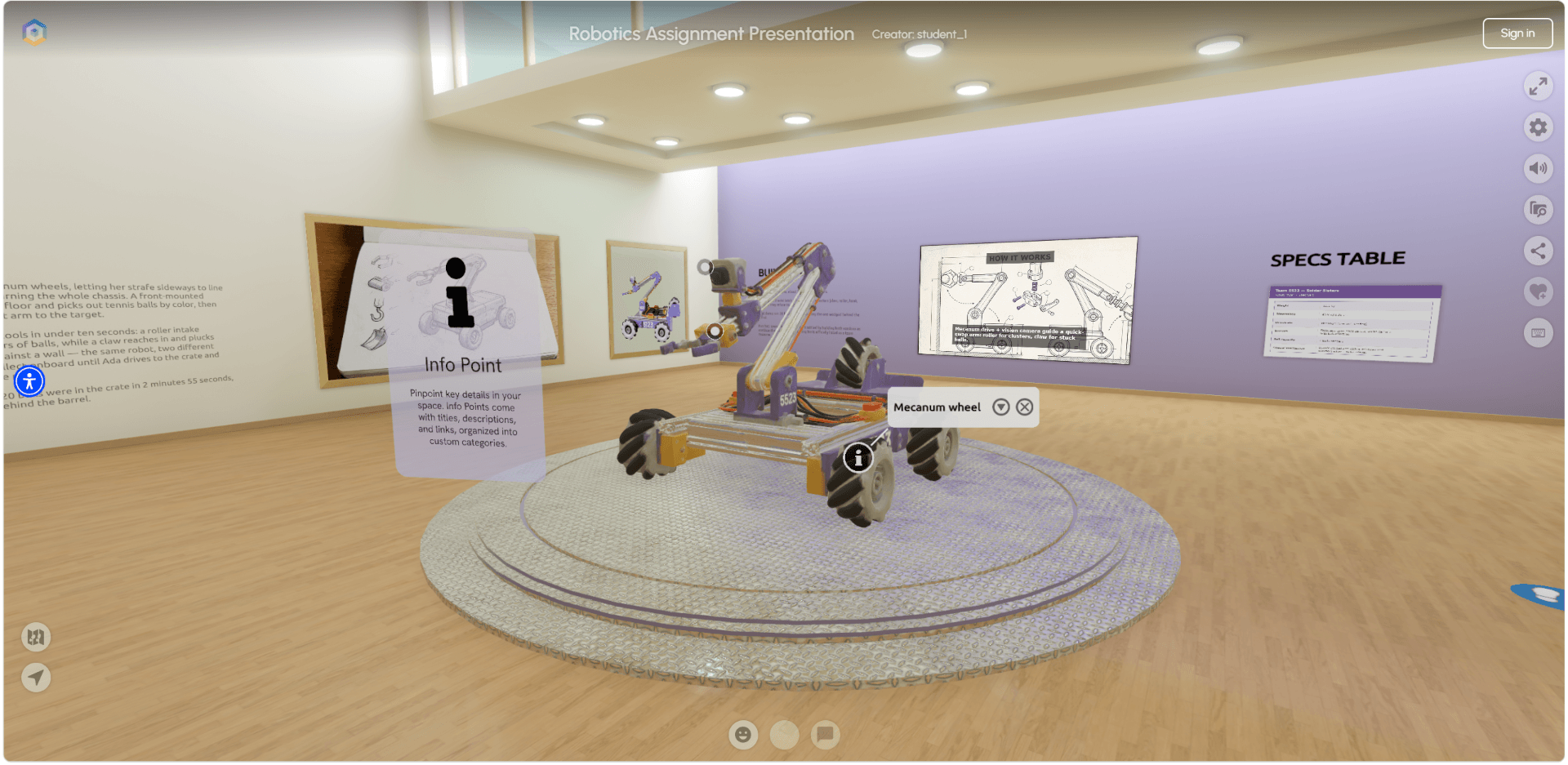
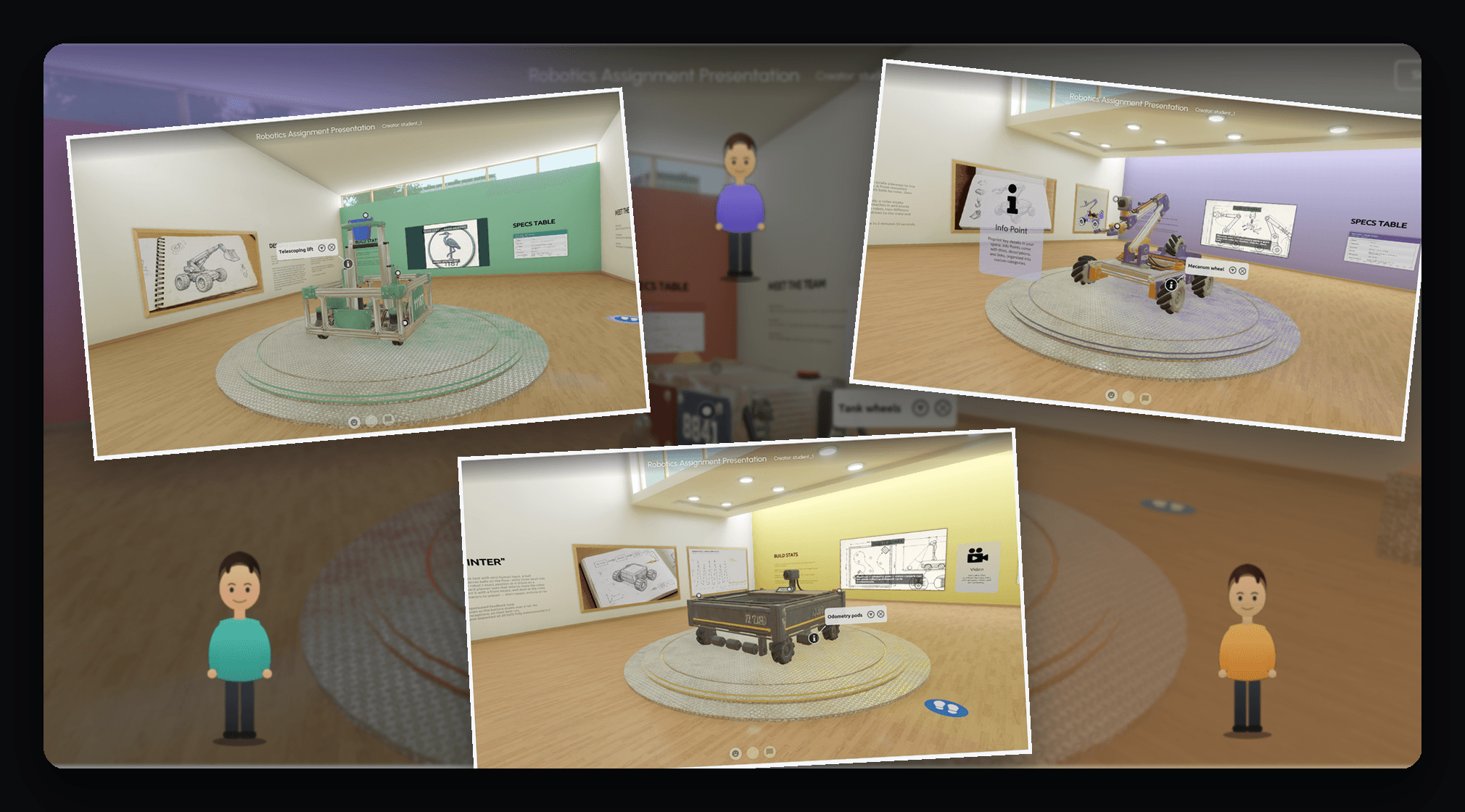
You know the difference between watching and doing. Guide your students to build and present exciting assignments, in 3D.
A lesson you can walk into
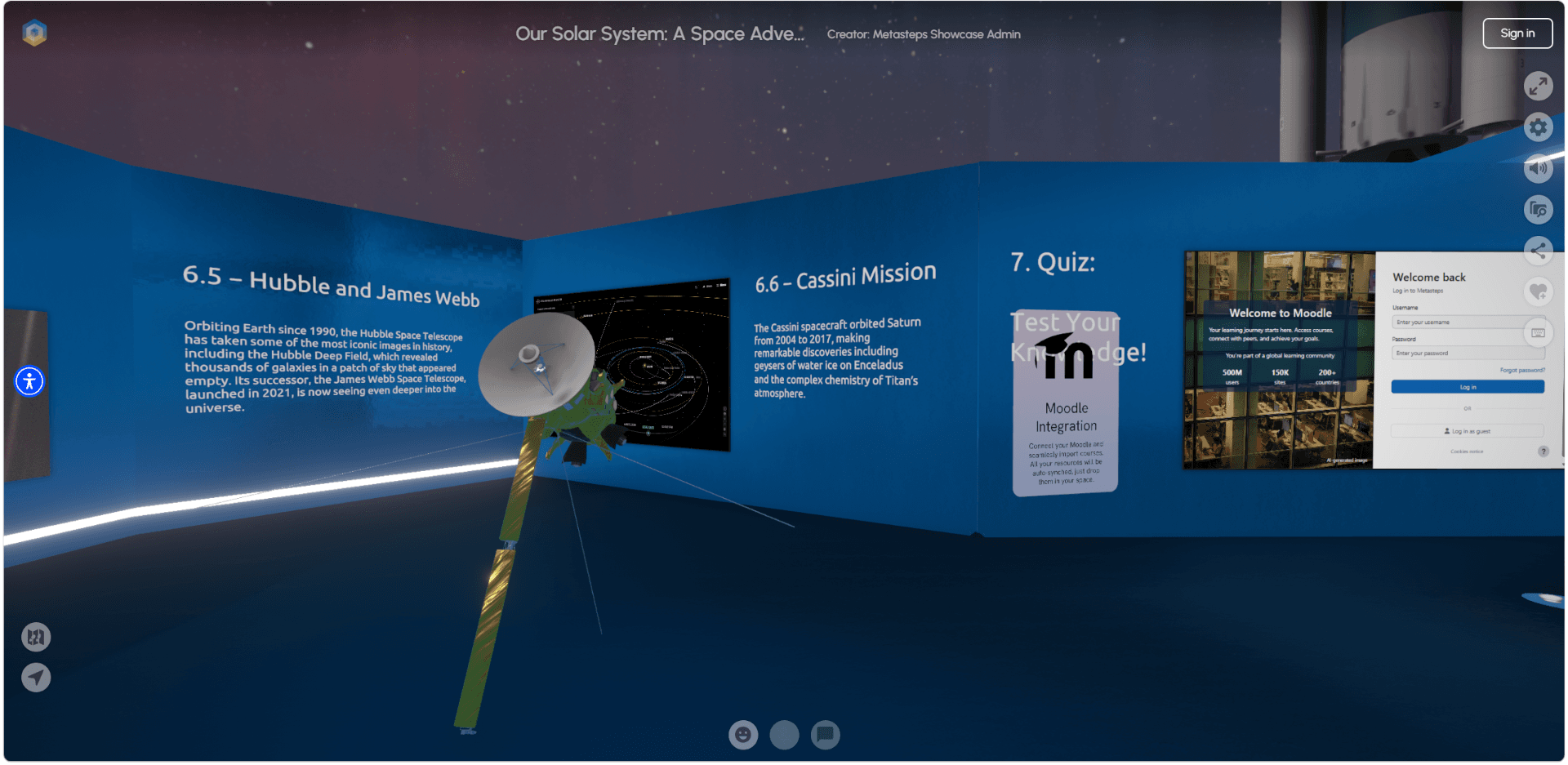
Explore a narrated lesson on the solar system, designed for ages 8 to 14. Signs along the way explain how each part was put together, so this visit doubles as your first walkthrough of the platform.
Visit this spaceSee how thousands of educators use Metasteps
- Classes
Arrange your courses in 3D and teach inside the space in guided-tour or free exploration mode.
Classes
Arrange your courses in 3D and teach inside the space in guided-tour or free exploration mode.
A Tool that Fits Your Work
Built around how you teach
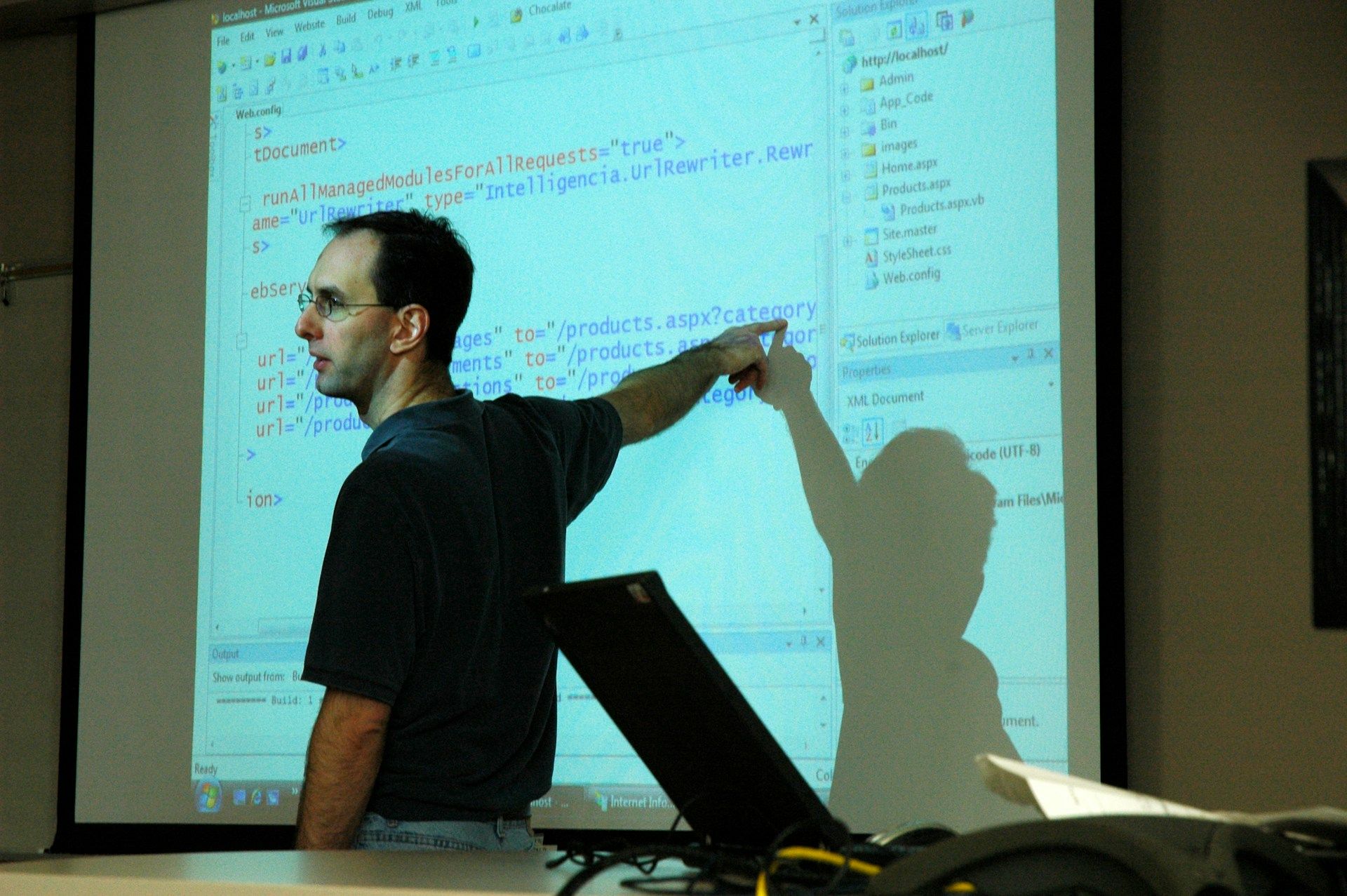
Your materials, already there
What lives in your Moodle course flows straight into the 3D space, which is ready before you've settled on a title; just describe it to Pythia, the 3D AI editor, or start from a template. Done.
Nothing is ever lost
Every room you build stays built. Semester ended? Next term you duplicate the room, refine it, and start ahead of where you began. Each course builds and expands on the last one.
Students build as a team
A group project can now be built collaboratively. Students share a single space and shape it together in real time. A participation report counts every contribution so that grades are fair.
You know who's engaged
The guesswork after class disappears. Engagement metrics and quiz scores are readily available. Students have gaps? They can revisit the 3D space, the class, even a path, anytime.
Always yours to run
Coursework can be public or private in Districts. Each space has its own access rules, published student work carries the school's name and everyone signs in once, through the course they already use.
Classes built by educators like you
View all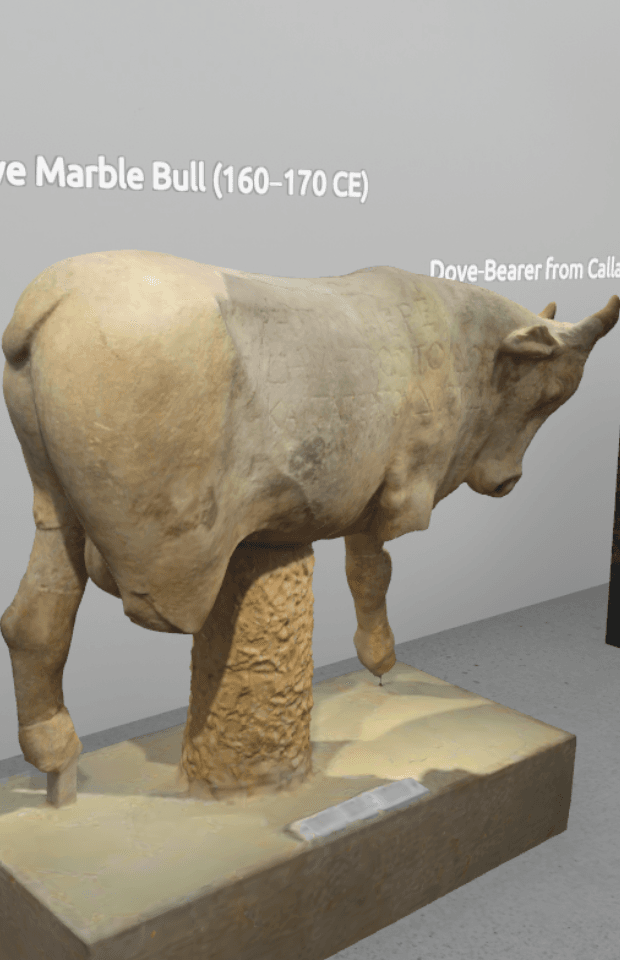
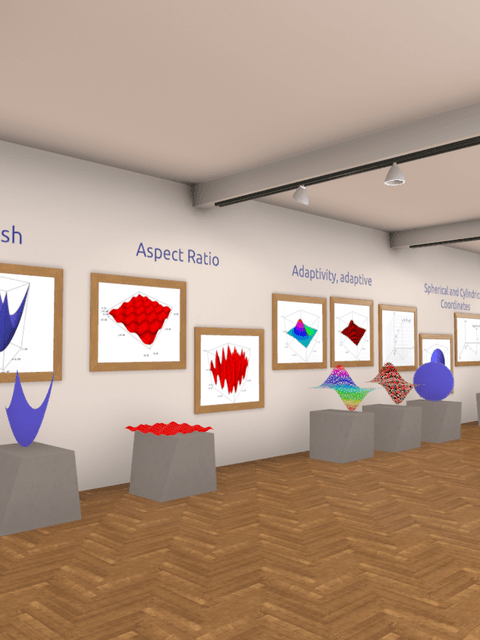
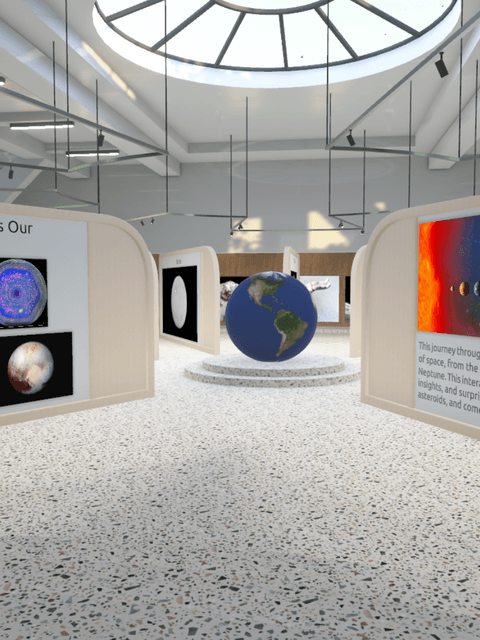
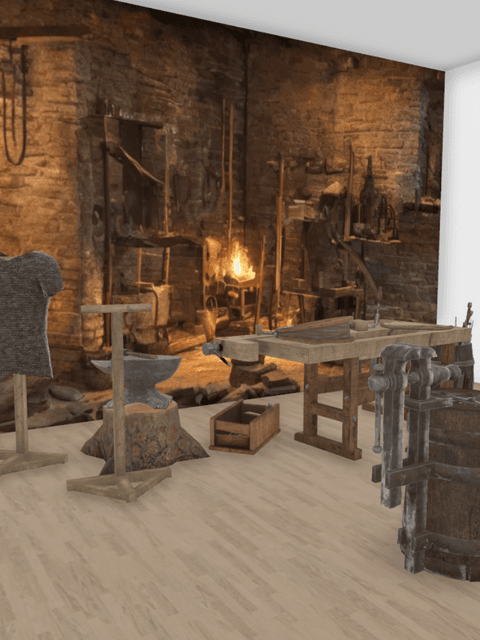

Leiden University
CASE STUDY
See how Martina teaches material culture studies at Leiden University
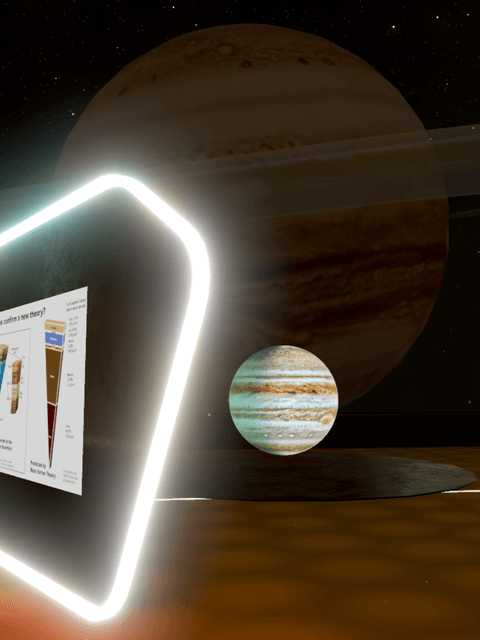
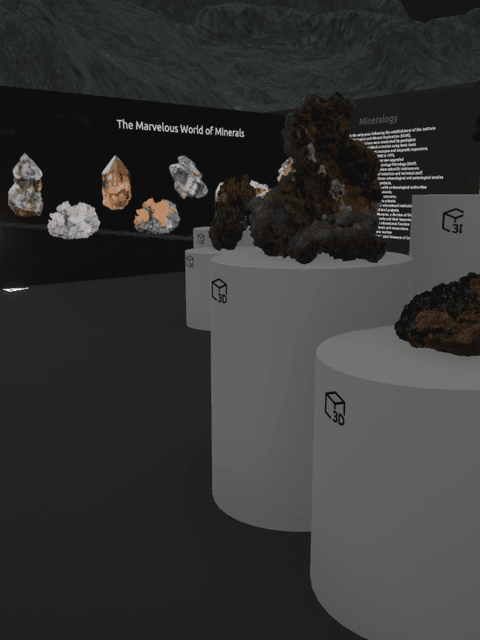
Dr. Martina Revello Lami teaches material culture studies at Leiden University. Her seminar problem was concrete: exhibition-design software built for architects was too complex for archaeology students, and not every laptop could run it.
By switching to Metasteps she is now able to set up the spaces while her students curate the exhibitions. Setup went from a technical hurdle to part of the syllabus.
"The incredibly friendly user interface and the flexibility of file formats made the choice easy. Metasteps is my students' playground."
FAQs for Educators
Your next lesson could be a place
Start a free trial and build your first classroom this weekend. When your school is ready to follow, we'll help you bring them along.