
Collaborative Editing is now on Metasteps!
Everything new on Metasteps: Real-Time Collaboration, New VR App, a Revamped Website, and Simpler Pricing Plans.
In the past, building a 3D space was limited to one editor. Only one person could work on it at a time while everyone else waited, limiting a group project to move at the speed of whoever had it open. Today that changes.
Our latest release brings real-time collaborative editing to Metasteps, alongside a VR app on the Meta and ArborXR stores, a completely rebuilt website, and a simpler way of thinking about what your plan gives you. Here's the full report on what has changed and what it means for the way you work.
Many builders, one space, at the same time
Invite the people you work with into a space and you all build in it together, live.
Everyone's changes appear as they happen, be it moving an object, changing an asset, or adjusting a layout. Each collaborator gets their own colour, while their cursor shows where they are and what they're currently holding, so two people don't e.g. reach for the same wall at the same moment. Your team can now work in parallel instead of waiting in queues.
You don’t have to worry about saving your or anybody else’s changes: a dedicated sync service holds the authoritative version of the space, resolves conflicts as they arise, and writes every change to storage as it happens.
This way every meaningful change is recorded. The audit log gives you a readable history of who changed what and when, so a session that ended up somewhere strange can be traced back to the moment it turned, and reversed immediately, if necessary.
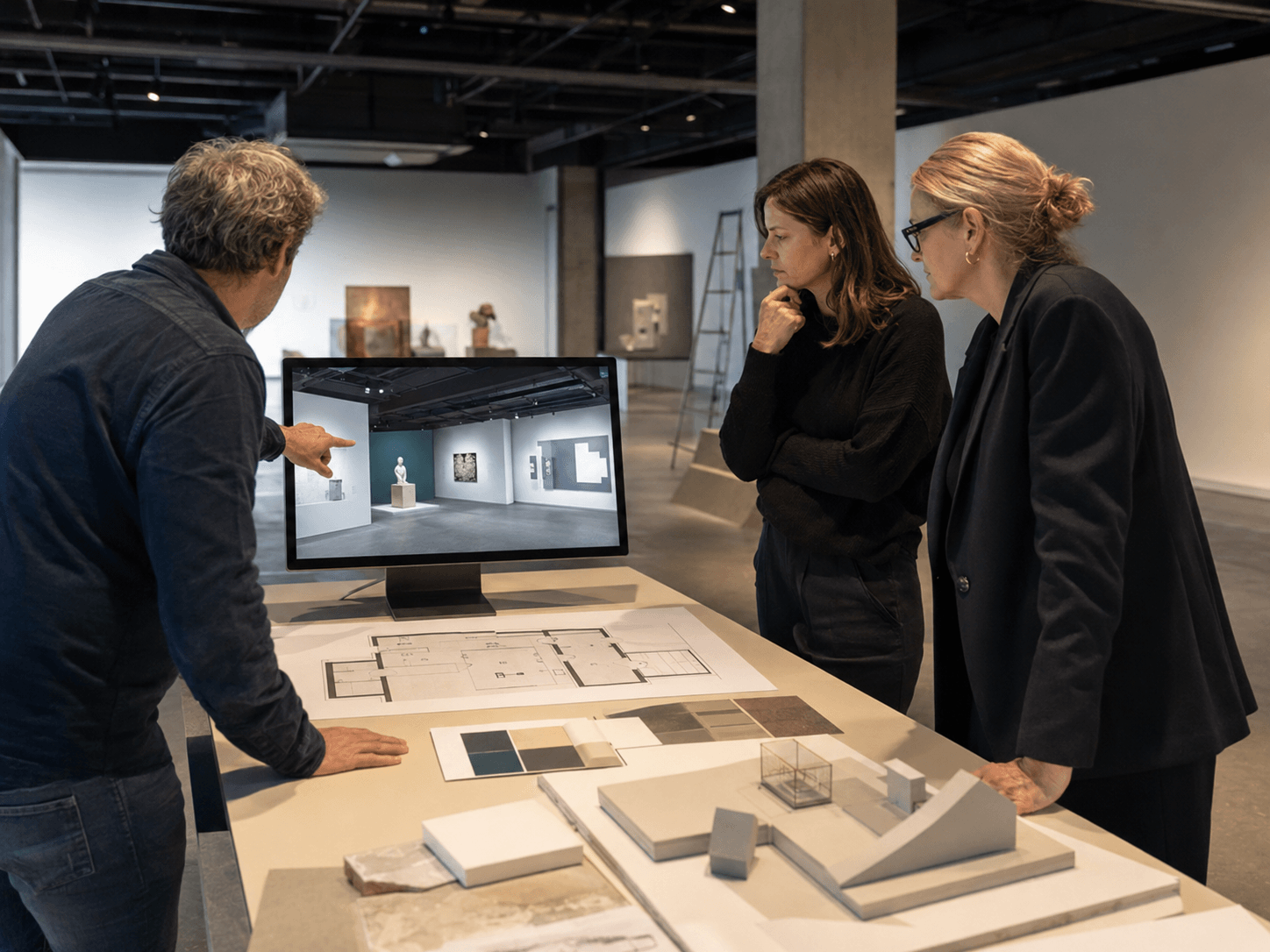
You decide who is invited
Space owners control whether a space is collaborative at all, and can turn it off again when the working session is over. Editing rights are handed out through Content Editor roles, so you choose who can contribute and who can only look. Collaborators work on space content while a session is open, and the space returns to your control when it closes.
Know who actually contributed
When a collaborative session ends, the district owner receives a report of what each participant did.
For anyone running a group project, this is the part that changes the job. Group work has always been hard to assess fairly because the output arrives as one artefact with no record of who made which part of it. Now there's a a clear and shareable report. Educators can see how each student took part and grade on evidence.οκ
Step inside the space you built
Our VR app is now available on the Meta store and on ArborXR.
Being on the Meta store means it installs like any other app, avoiding sideloading or forty minutes of setup before anyone sees anything. Being on ArborXR matters if you're handing out multiple headset to a large number of users as you can push Metasteps to an entire managed fleet in a single action, feeling certain that every device in the room is ready at the same time.
That buys you scale, in the literal sense. A space you designed on a monitor gets experienced at the size you intended it: by somebody standing inside your exhibition rather than scrolling past it on a tiny mobile screen.
A new website, one that we're proud of
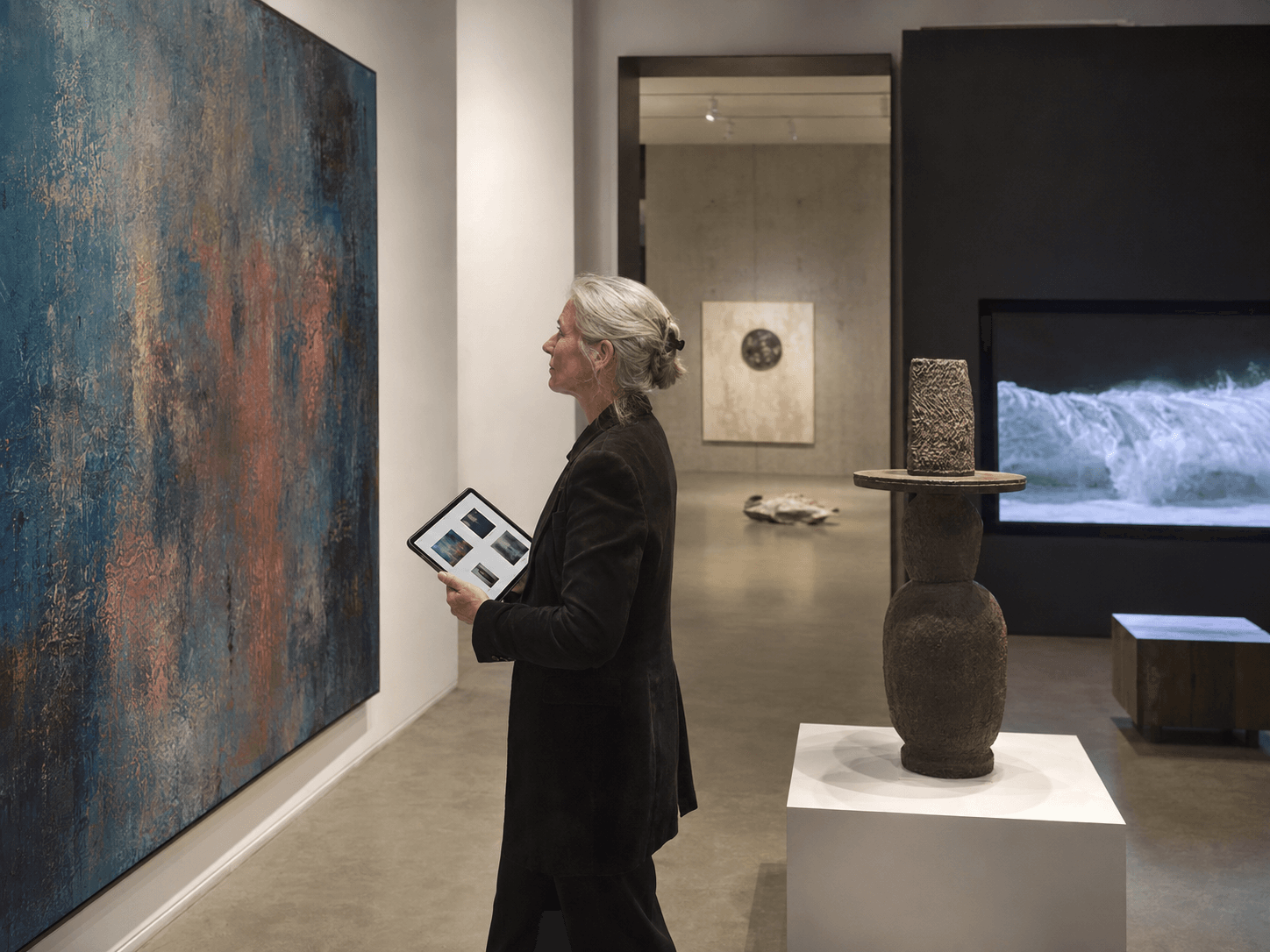
We rebuilt metasteps.com from the ground up, and it's the best thing we've shipped that isn't a feature.
Whether you're an educator, a student, a creator or a curator, there's now a page that shows you what people in your seat actually make with Metasteps, and how. Customer Stories go even further: real projects by real people, with the thinking behind them and tips you can copy.
The part we like most: platform onboarding is itself a Metasteps exhibition. You learn how to build a 3D space by walking through one. We trust Metasteps to teach Metasteps, and that felt like the honest way to introduce it.
A simpler way to think about your plan
Alongside the release, we've simplified how pricing plans work.
Publishing slots are gone. You now have a single space allowance that covers drafts and published spaces together, plus a credit allowance.
Trials are tied to a plan. Instead of a generic fourteen days after signing up, you now start a trial of the specific plan you're interested in: a Creator Pro trial gives you Creator Pro allowances for fourteen days. This way you evaluate the exact thing you'll actually be buying.
The editor needs an active plan. Creating and managing 3D spaces now requires a subscription or a trial.
Here's where the self-serve plans stand:
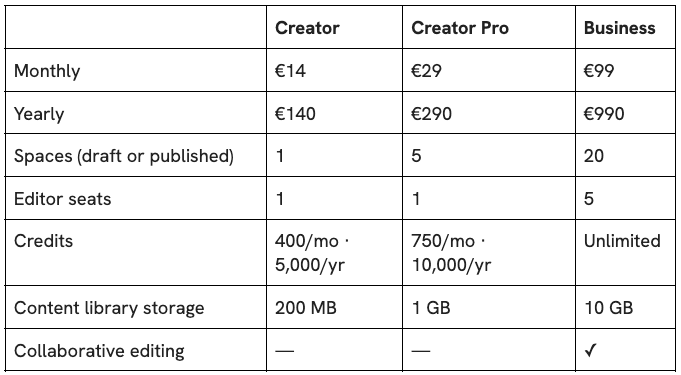
All three come with a 14-day free trial. If you're running a school or a larger organisation, our Education and Enterprise plans are built around what you need rather than a fixed plan. Talk to us and we'll size them with you.
Our new pricing page puts every plan side by side, so you can see exactly which one fits.
What happens if you change your plan
Upgrading takes effect immediately, the higher allowances are there straight away.
Downgrading keeps your published spaces published. If you're over your new plan's space allowance, editing pauses until you're back inside it. Nothing is deleted; you choose what stays and what goes.
Cancelling unpublishes your spaces and keeps them as drafts. Your work stays in your account.
What's next
We hope you find our new features truly useful for your work. If you want to see what any of this feels like, the fastest route is to walk through the onboarding exhibition on the new site. It takes about ten minutes, and you'll be inside a Metasteps space while you learn how to make one.
Choose the one that best fits your work and enjoy!