
Create
Start with a room that's already standing: Describe what you have in mind for Pythia, our AI editor, to set it up or pick one from the template library. From there it's all drag-and-drop. If you can build a slide, you can build a 3D space.
Create it, curate it, share it. Scale from a single 3D space to a whole network as easily as growing a slide into a presentation.























A closer look at the tools you'll use to turn your idea into a space, a network, an experience.
3D Studio Editor
The 3D Studio Editor is a browser-based, drag-and-drop workspace for building 3D spaces.
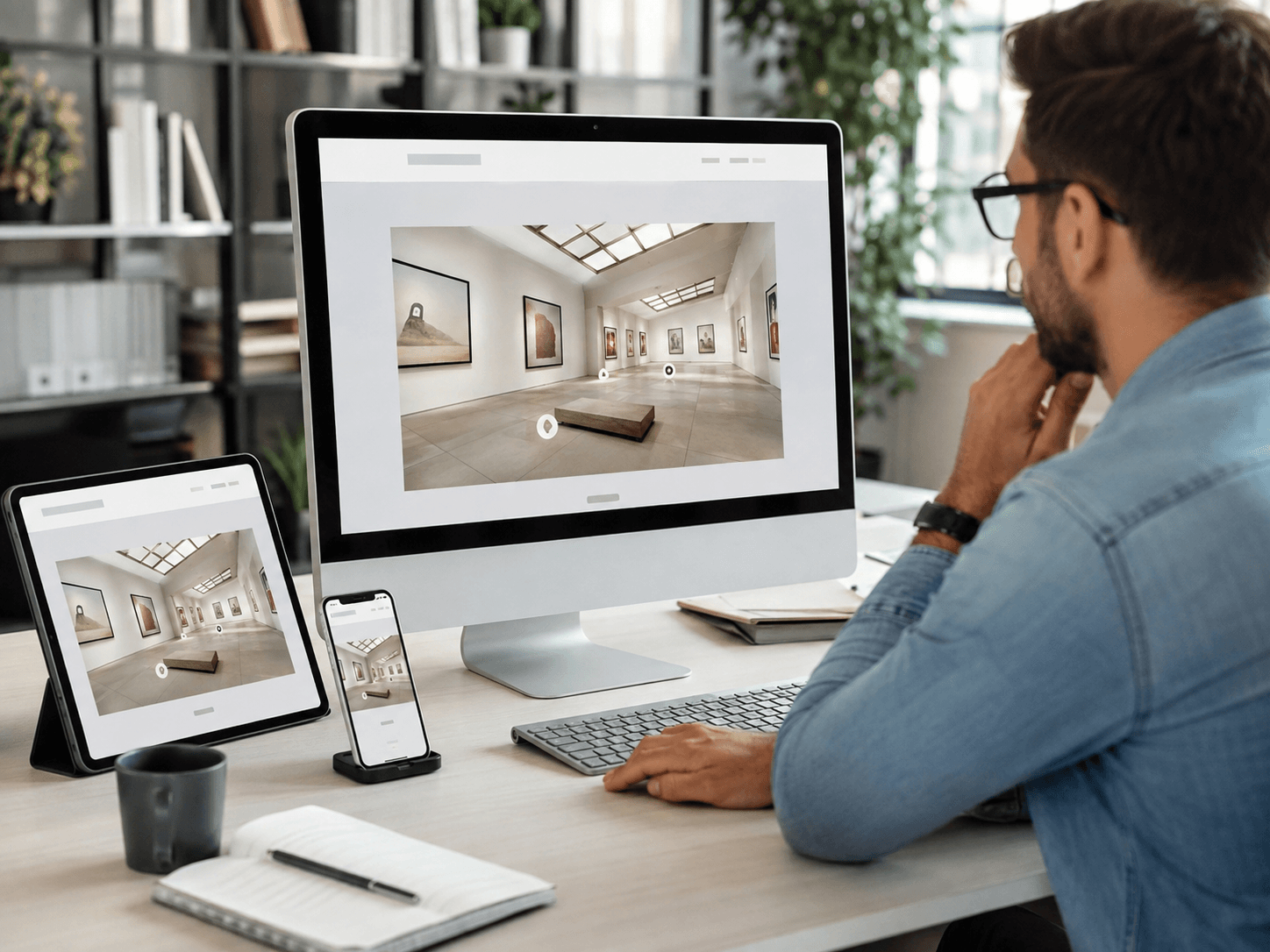
You start from a ready-made template or build a 3D space from scratch.
From there you shape the space: set the environment, customize it out with building blocks and decorations, and finish the surfaces with materials, wallpaper, and tint.
You upload your content (images, videos, 3D assets, text, hypertext, webviews, etc.) and then place it where you want by dragging it into position.
You can also add interactive elements such as info points, quizzes, and portals that open on click.
It runs on any device with a browser, from a desktop to a Chromebook, tablet, phone, or VR headset.
Pythia AI 3D Editor
Pythia is an AI assistant built into the editor that sets up a starting space from a short description.
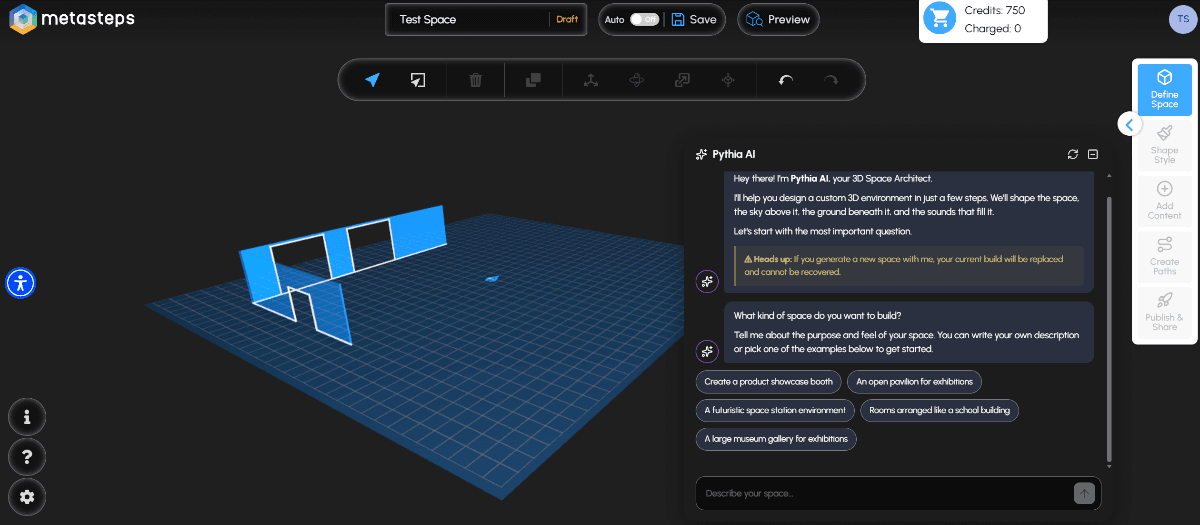
You describe the space you have in mind into Pythia's prompt field and she sets up a matching starting environment for you, with the space, sky, terrain, and ambient audio already in place.
From there it's yours to shape: keep what fits, change what doesn't, and build your content on top.
With millions of combinations possible, what you get back both fits the description you gave and it’s uniquely yours.
Districts
A District is a set of separate 3D spaces linked together into one network.
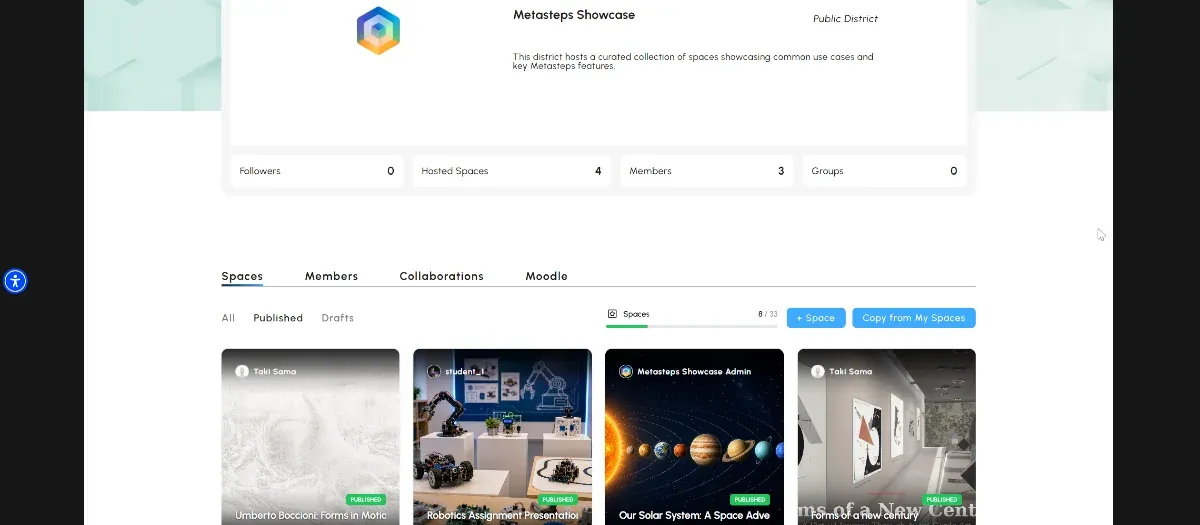
Visitors move between the spaces through portals placed inside them, or start from a district hub page that gathers them together.
The administrator manages members, access rights, roles,, and analytics centrally, at the district level, with safety at the forefront.
You are always in control of the status of the district (public, private, etc.) as well as to who gets in and does what in per space or across the district.
Story Paths
A Story Path is an ordered sequence of stops that acts as a personal tour guide.
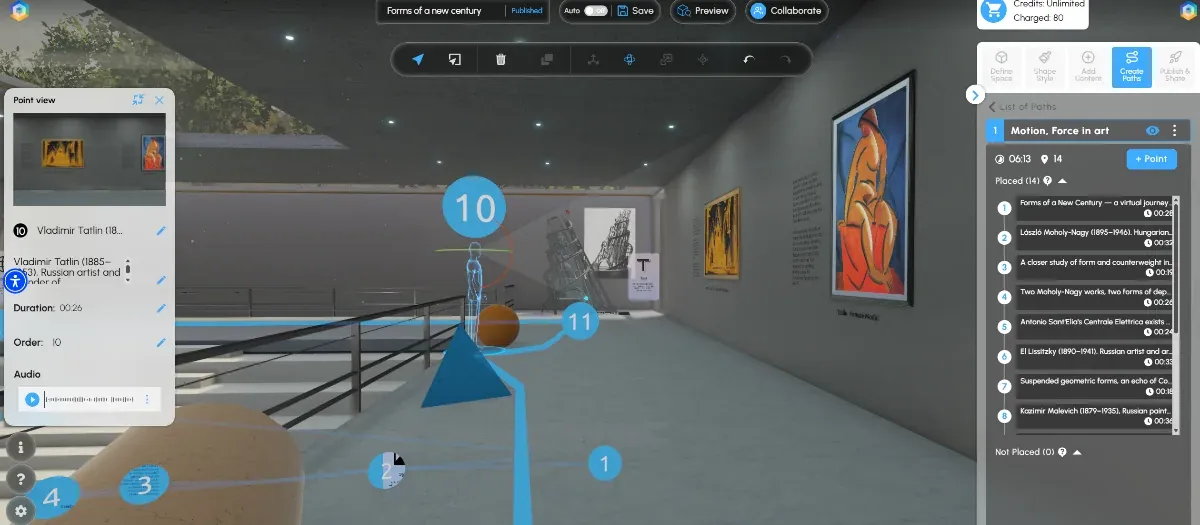
Visitors follow the stops in the order you set, adding context and meaning to the experience.
A path can play manually, with visitors stepping from one stop to the next, or advance on its own as a guided tour.
Each stop can carry its own text or audio narration, adapting to visitor’s visual or auditory preference.
You can build several paths through the same space, making even complex places easier to navigate.
Book a demo and walk through creating, curating, and managing a space on your own use case, or start a free trial and begin building today.
Moodle Integration
The Moodle integration links your Moodle account to Metasteps so you can bring existing course material into your 3D space.
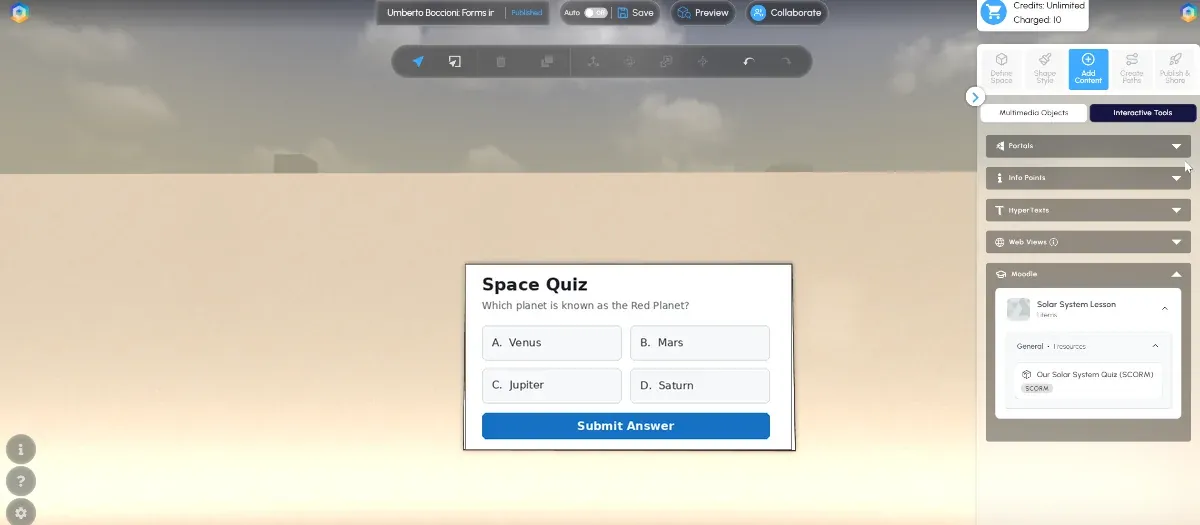
You connect your Moodle account, and your existing course material appears inside Metasteps.
You browse it, select what you need, and add it to your Metasteps library.
From there it drops into your 3D space like any other content adding an extra dimension to your existing material.
SSO
SSO connects Metasteps to your organisation's existing identity provider.
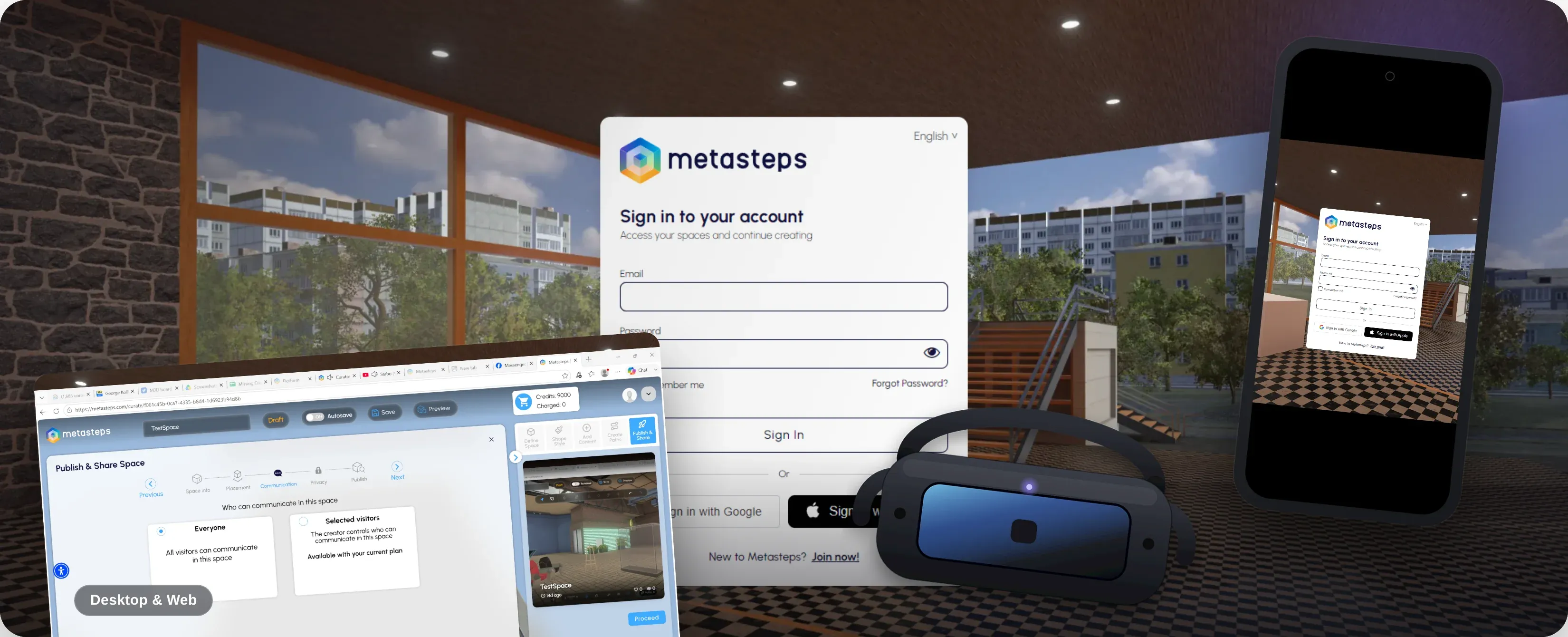
People sign in with the credentials they already use.
You can bring in a single person or an entire class in one step, with access managed on your side.
Embed
By embedding a single snippet of code, you place your live 3D space inside another website.
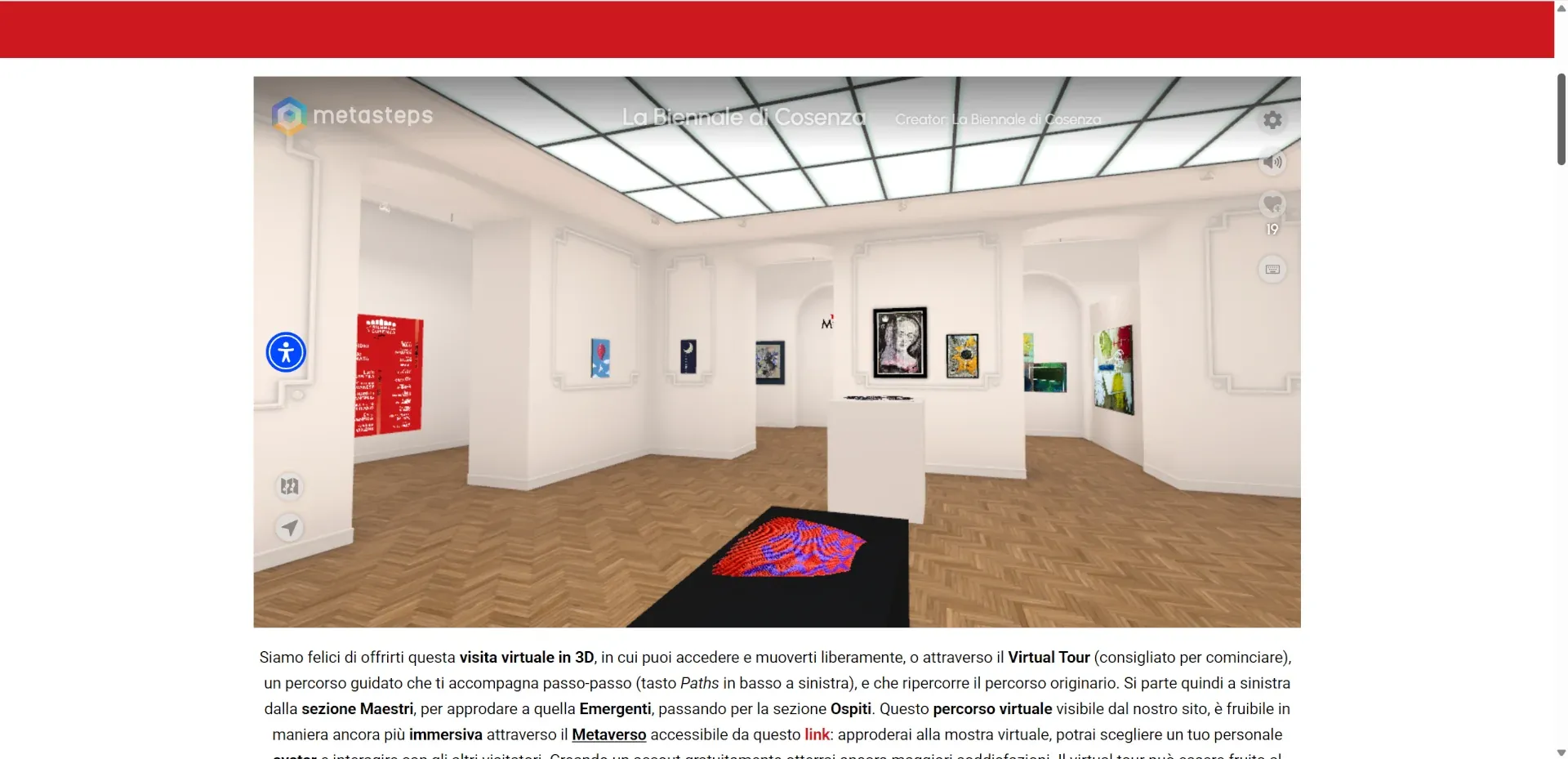
You paste one snippet into any site you control, such as a website or social media page, and the space runs on your own domain.
As easy as adding a YouTube video to your site.
Visitors walk through the full 3D space right inside your page, instead of clicking away to a separate address.
The embed points to the live space, so it always shows your latest published version.
Collaborative Editing
Collaborative editing (or multi-editor mode) lets several people build the same 3D space at the same time.
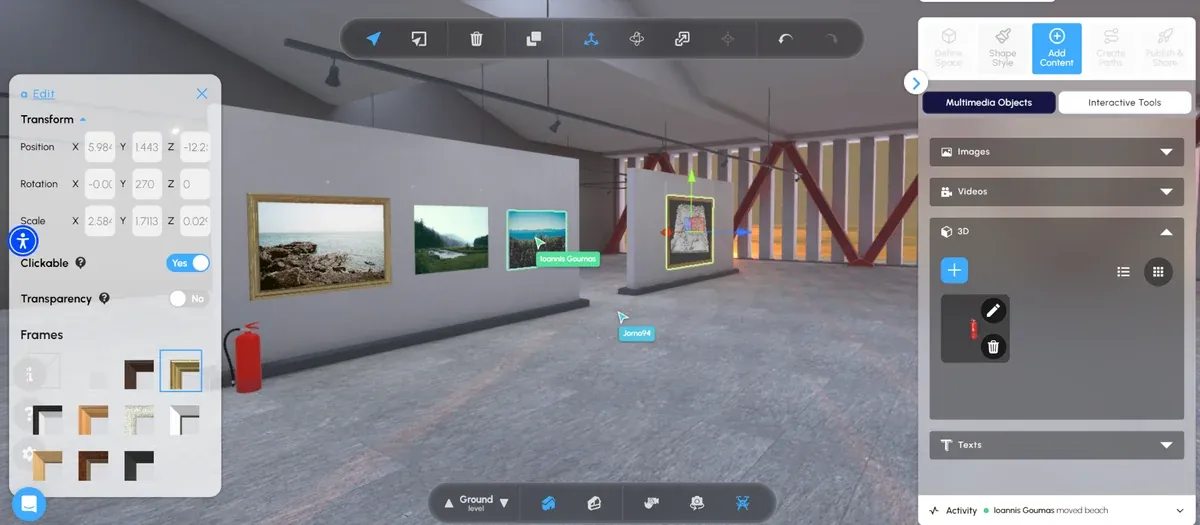
The space owner invites collaborators into a live session, where everyone works on the space content together.
You see who else is in the space through live cursors and a collaborator list, each person in their own colour, so it's clear who's working on what.
Everyone's changes appear in real time and are saved automatically.
Every change is recorded, giving the owner a readable history of who did what, and when.
When the session ends, the district owner gets a participation report showing each collaborator's contribution.
Go from zero to 3D in three simple steps.
Start with a room that's already standing: Describe what you have in mind for Pythia, our AI editor, to set it up or pick one from the template library. From there it's all drag-and-drop. If you can build a slide, you can build a 3D space.

Show your content as it deserves: Images, video, webviews go on the walls, 3D objects on display, audio and story paths tie it all together and lead visitors through your exhibition exactly as you intend.

Now that it's yours, share it. Your 3D spaces open in any browser and device or live inside your site. Publishing isn't the end: update your exhibitions live, decide who can view them, and run many spaces as one network.

Be where your audience already is. Embed your 3D space the same way you'd embed a video, and it runs right inside your own site, your social media, your course. Visitors walk through it without ever leaving.
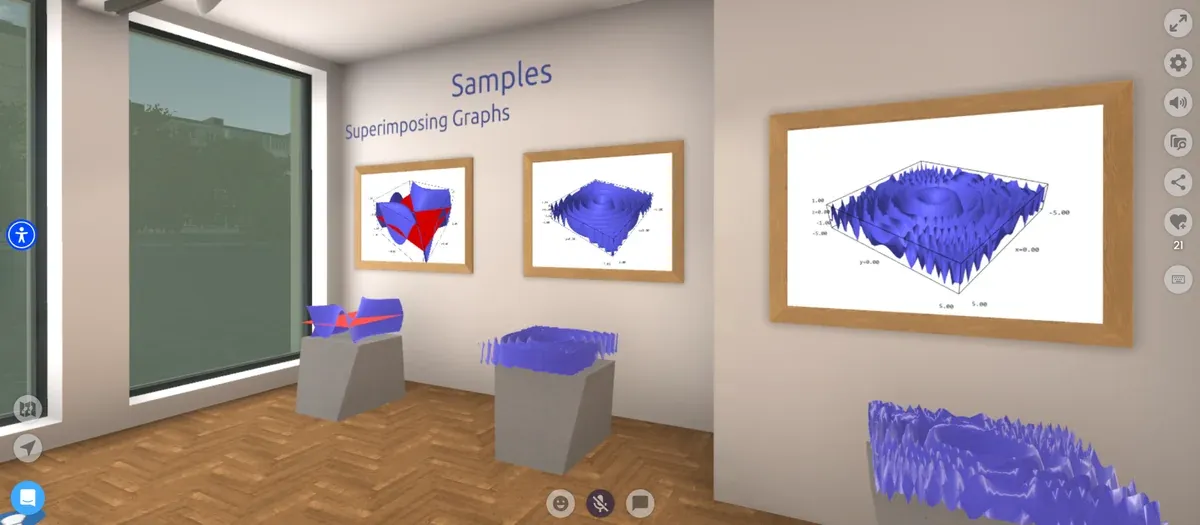
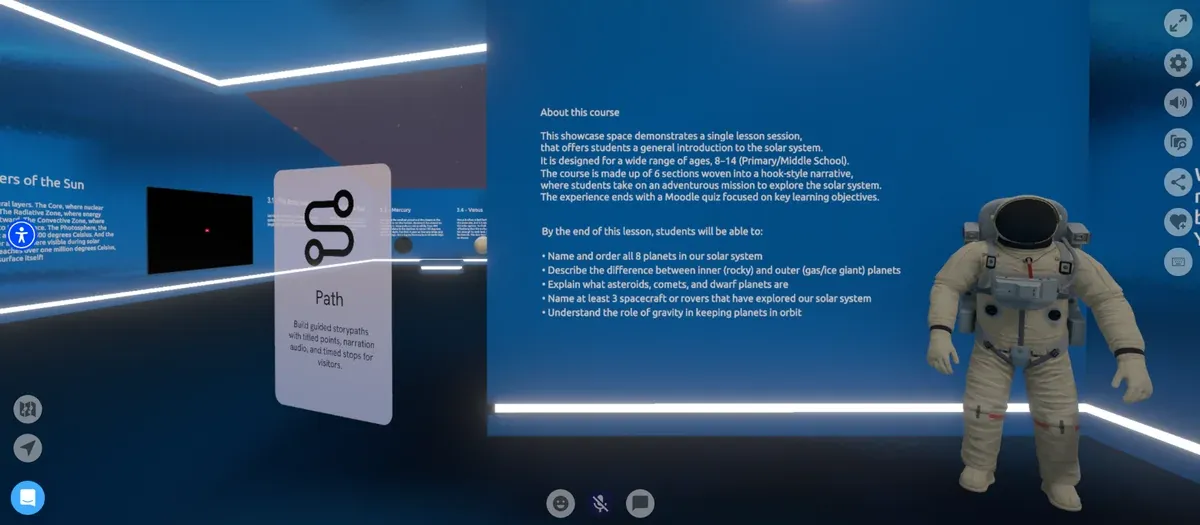
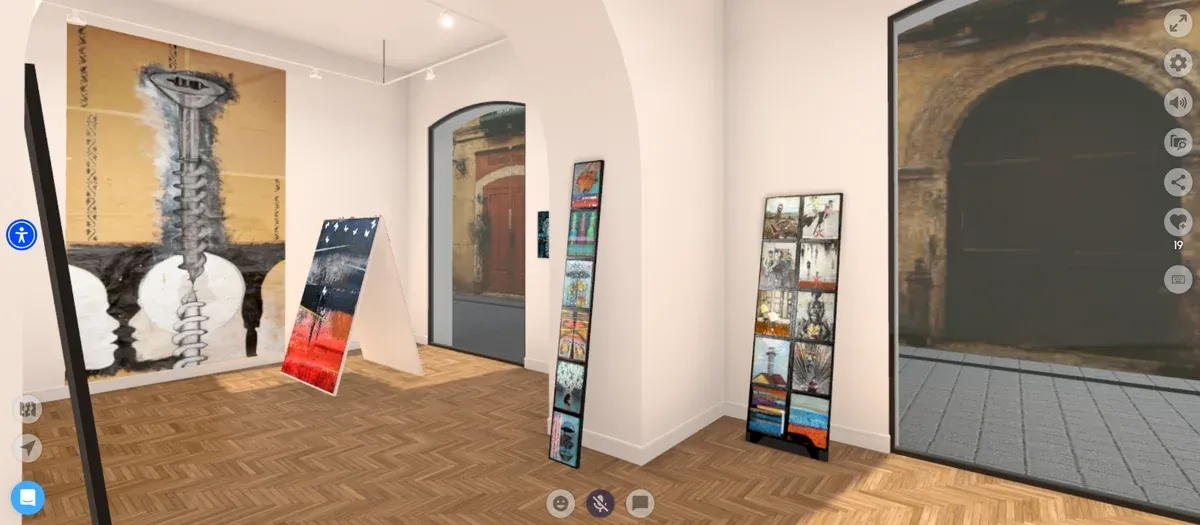
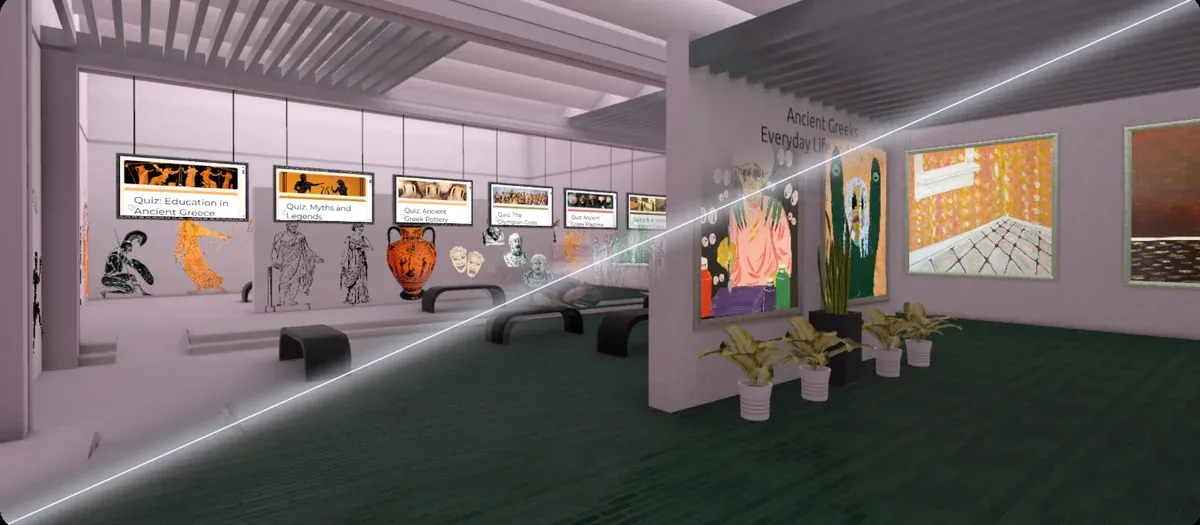
Turn a syllabus into a standout. Educators set up the spaces and bring the existing coursework in, so the whole class can run inside. Sign in once, stay safe and engaged forever.
Turn a syllabus into a standout. Educators set up the spaces and bring the existing coursework in, so the whole class can run inside. Sign in once, stay safe and engaged forever.
The incredibly friendly user interface and the flexibility of file formats made the choice easy. Metasteps is my students' playground.
From individuals to institutions, all find their ideal plan. Start with a free trial, or book a demo and we'll help you discover your right fit.